One shared context
Every task, contact, document, and message lives in the same workspace, so your team — and its AI — always sees the full picture instead of guessing across ten browser tabs.
Ask Atty, an AI business assistant, in the web chat, on WhatsApp or by voice. It drafts the task, ticket, note or calendar change from what is already in your workspace, and nothing changes until a person approves it. WhatsApp and voice are enabled per organization on request.
Approve · Reject
Most teams run on a pile of separate tools — a CRM here, a project tracker there, docs in a third app, and a chat window that never stops. An AI workspace for teams brings all of that into one place so people stop copying context between tabs and the AI can actually help. Attain OS is that workspace: every app reads the same data model, and Atty, the built-in AI business assistant, drafts changes across many of them for your team to approve.
Every task, contact, document, and message lives in the same workspace, so your team — and its AI — always sees the full picture instead of guessing across ten browser tabs.
Atty, the built-in AI agent, drafts tasks, tickets, notes and calendar changes, prepares appointments and files documents across the apps, and every change waits for a person's approval.
Shared projects, roles, and permissions keep everyone aligned. Mentions, feed comments, and an activity feed keep work moving without bolting on yet another chat app. Documents do not merge live, so the last save wins — coordinate who is editing.
Use Atty in the web app, over WhatsApp, or by voice, so the workspace reaches your team on the channels they already use every day. WhatsApp and voice are enabled per organization on request.
Every new app your team adopts is one more login, one more silo, and one more place context gets lost. Deadlines slip because a task lived in a tool half the team never opens; customers repeat themselves because their history is split across a CRM and an inbox. An AI workspace fixes the root cause: when projects, people, files, and conversations share one system, nothing has to be re-entered and the AI has enough context to be genuinely useful.
Attain OS ships with Atty, an AI agent that reads your organization's data and drafts changes across many of the apps. Ask it to set up a meeting, draft a follow-up task for a customer, summarize a project, or draft a document, and it does the busywork while your team reviews and approves. Because Atty lives inside the same workspace, it never needs an integration or a copy-paste to know what is going on.
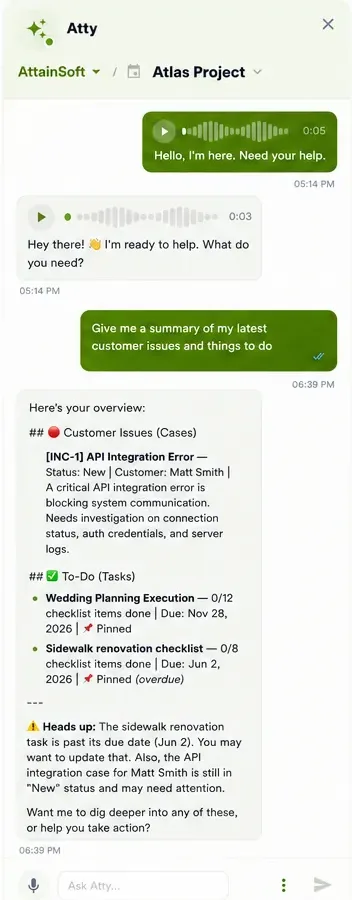
Real screens from Attain OS. The same approval step applies on every channel.
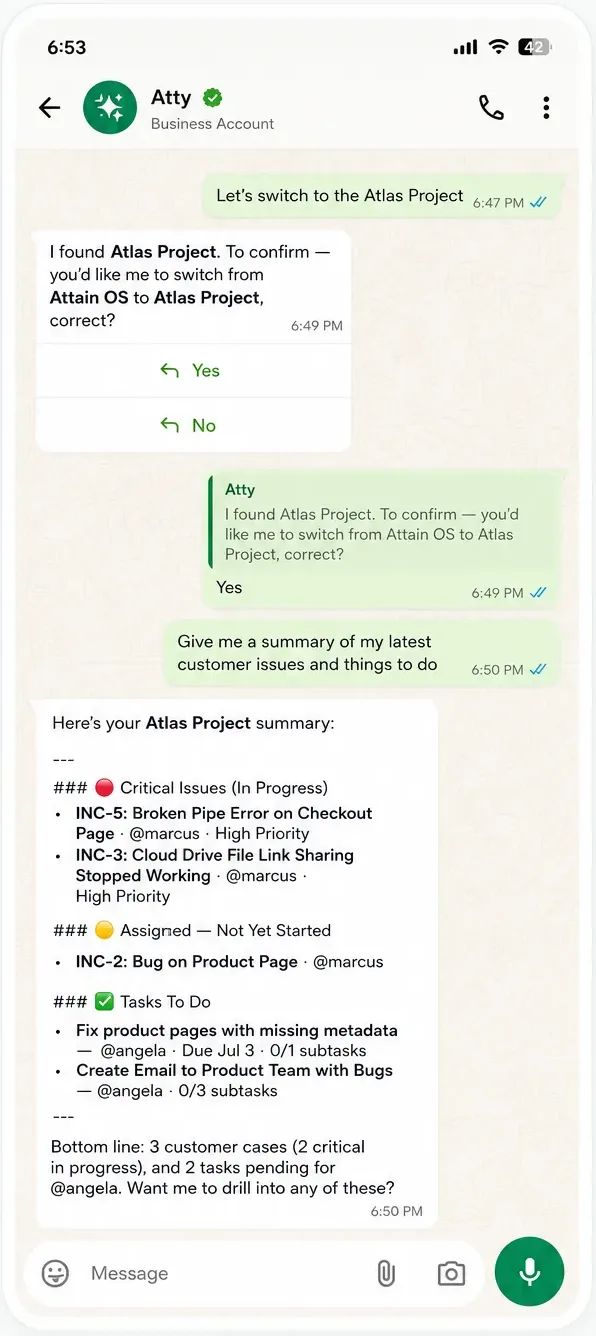
Message Atty like a contact and get a summary of your project's open work.
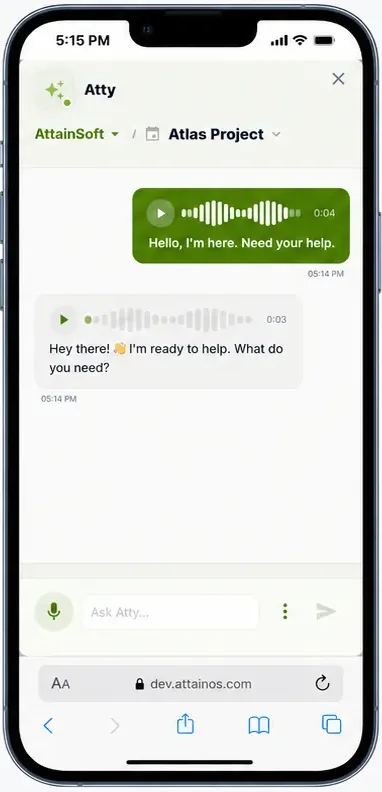
Talk to Atty and hear the answer.
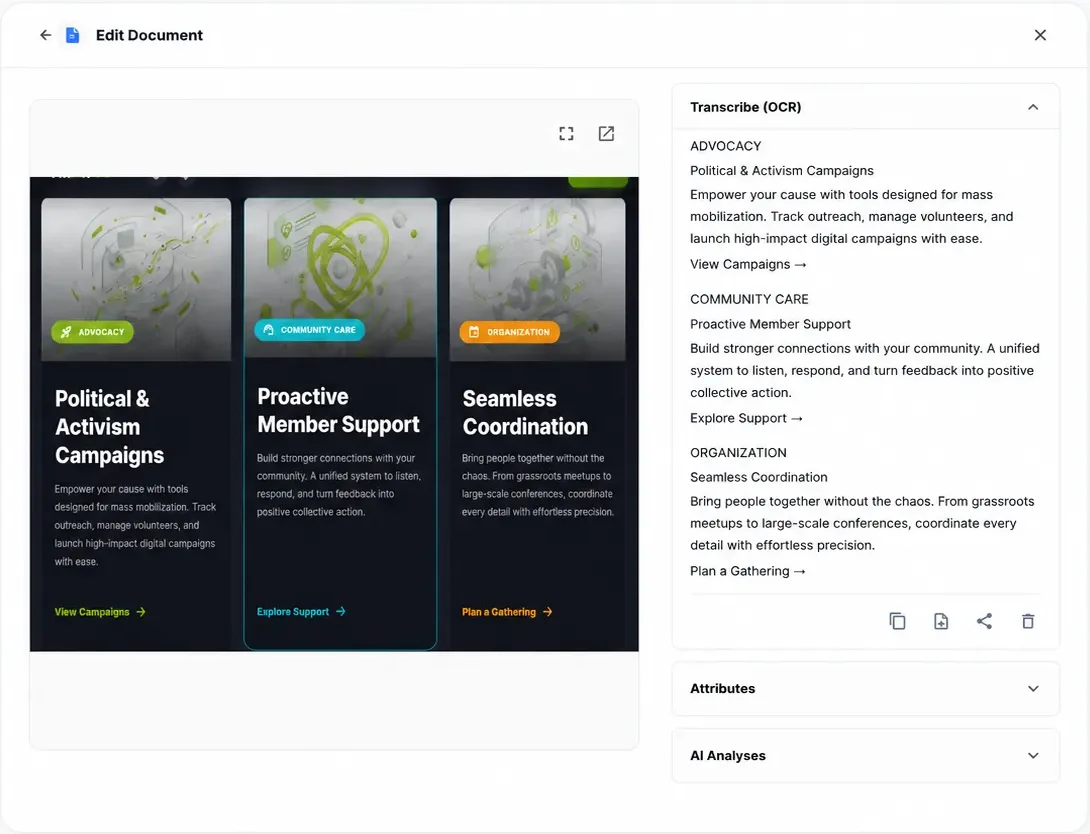
Atty transcribes and summarizes a document you share. Not a substitute for legal or medical review.
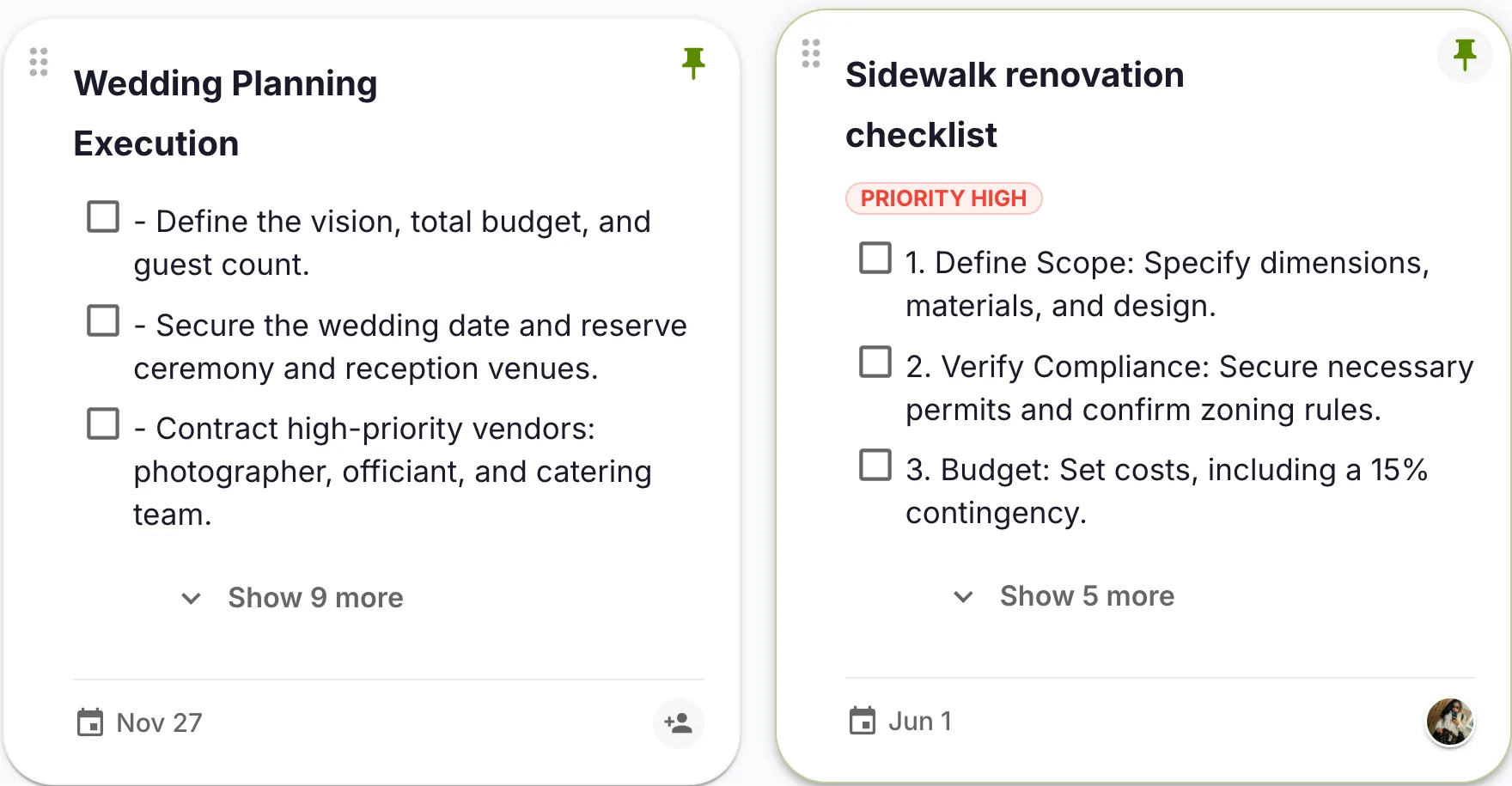
Atty drafts tasks with owners and dates, and you approve them.
A creative agency of eight runs client onboarding, project tasks, and shared documents. Before Attain OS, they used a separate CRM, a project board, and a document tool—none talking to each other. Now they manage everything from one workspace: People for contacts, Work Board for tasks, Documents for briefs, and Budgets for estimates. Atty drafts the kickoff tasks from the client's intake form, and the account lead approves them.
A nonprofit with 50 volunteers uses Attain OS to track volunteer profiles (People), schedule events (Calendar), assign tasks (Tasks), and share resources (Documents). Their coordinator asks Atty to draft a weekly update from recent tasks as a note, approves it, then shares it via the Sharing Hub. No more lost emails or outdated spreadsheets.
A product team of ten uses Backlog to track features, Customer Care for support tickets, and Smart Tickets for internal requests. Atty turns a customer complaint into a draft ticket with a suggested priority and checks it against open tickets, so it updates an existing one instead of filing a duplicate. The team approves and assigns it.
Ask Atty in the web chat, on WhatsApp or by voice.
Atty reads the customers, bookings, tasks, notes and documents it needs from your workspace. Reads happen right away.
Atty prepares the change, such as a task, a note, a ticket or a calendar update, and shows you exactly what it will do.
You approve it, or ask Atty in the chat for a changed version. Nothing happens until you approve.
A close-to-finished draft — not a blank page. Here's the kind of result the flow hands you, ready to review, tweak, and publish.
An AI workspace for teams is a single application that combines the tools a team needs to operate — projects, CRM, documents, calendar, forms, and messaging — with a built-in AI agent that reads that shared data and drafts changes for a person to approve. Instead of connecting a dozen separate apps, everything lives in one place with one source of truth.
An AI business assistant is an AI that helps with the day-to-day running of a business by working from your own business data. In Attain OS that is Atty: it reads the customers, bookings, tasks, notes and documents in your workspace, drafts changes such as a task, ticket, note or calendar event, and waits for a person to approve before anything changes. It is available in web chat, WhatsApp and voice notes.
Yes, as voice notes: you record a voice note for Atty and get back the text and a spoken reply. Voice is enabled per organization on request. It is not a live phone assistant or a wake-word assistant; you record a note and Atty answers it.
Notion and ClickUp are deep, configurable tools, and Attain OS does not match them for custom databases, docs or dashboards. Attain OS is simpler: customers, bookings, forms, tasks, budgets and customer care are built in and share the same data, and Atty, the AI agent, drafts changes across many of them for approval. It has no integrations with third-party products, so a team that needs that depth should keep a dedicated tool.
Yes. Atty is available to everyone in the workspace, in the web app, over WhatsApp, and by voice; WhatsApp and voice are enabled per organization on request. Permissions still apply, so each person's AI only acts on the projects and data they are allowed to see.
Atty respects the same roles and permissions as the rest of the workspace and acts under human supervision — it proposes and drafts, and your team approves. Prompts are processed by third-party AI model providers, which we do not permit to use your content to train their public models except as needed to provide the service; see the Privacy Policy.
Attain OS uses simple per-workspace pricing instead of a separate subscription per tool. See the pricing page for current plans and compare them with what you pay today.
